


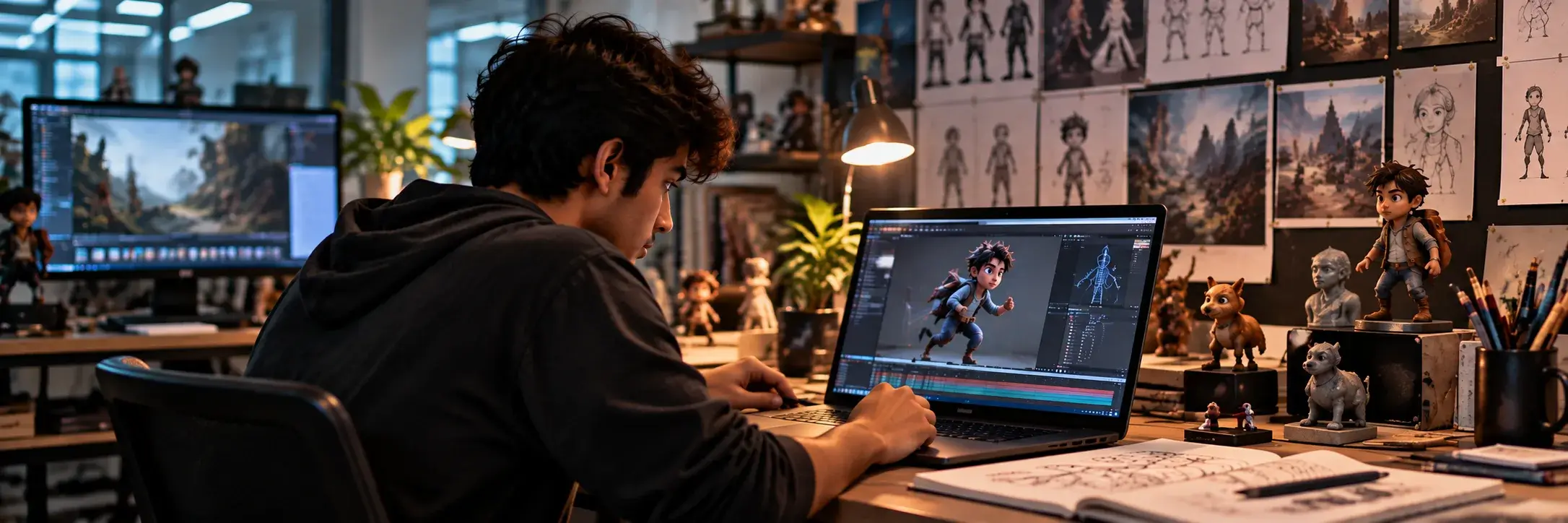
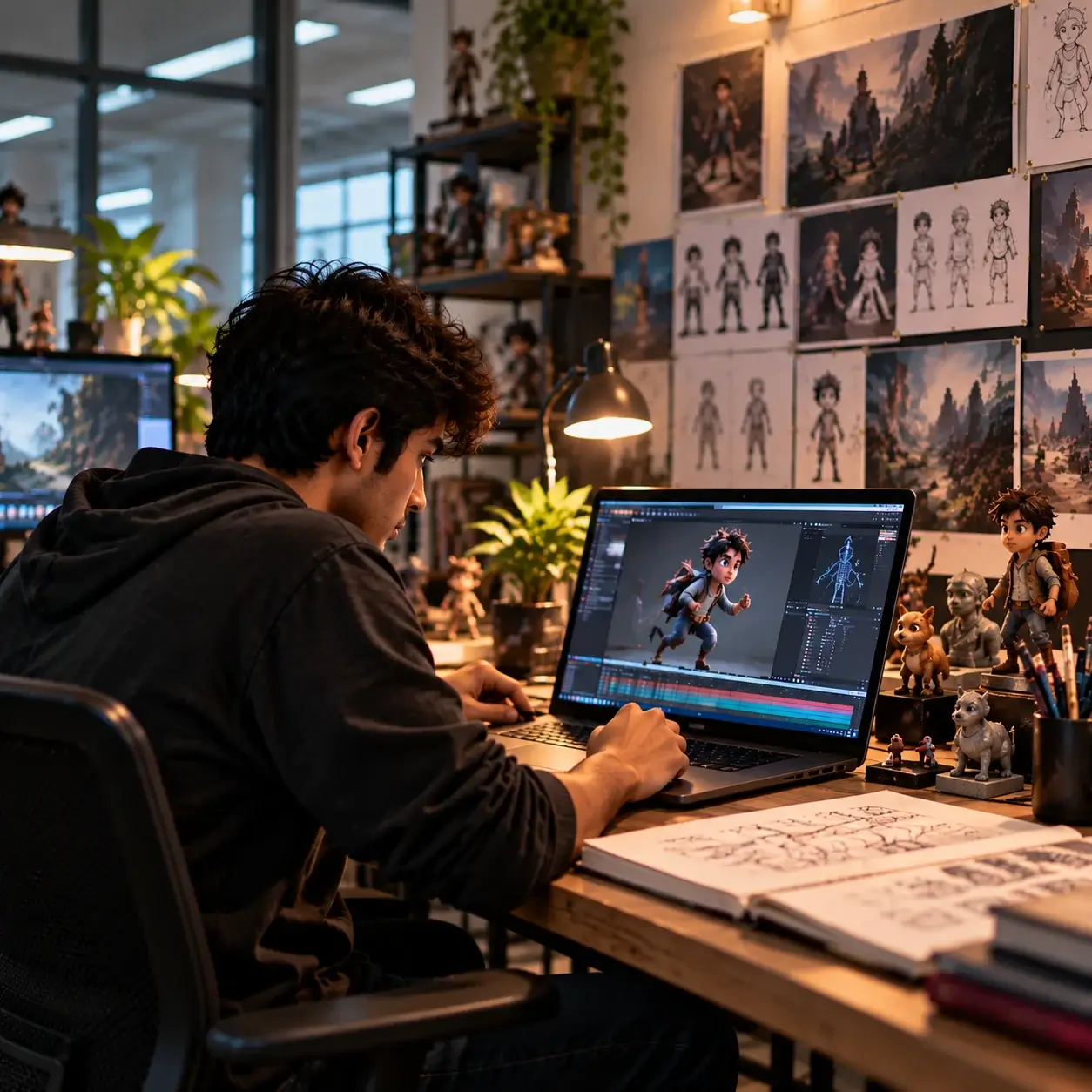
An animation or visual effects career demands more than technical proficiency. It requires a strong understanding of visual storytelling, movement, composition and the ability to translate creative ideas into compelling experiences. An animation portfolio brings these capabilities together, helping studios, recruiters and clients understand not just what an artist can create, but how they approach their craft.
For b des in animation students entering the creative industry, building a portfolio often raises important questions. Should it showcase every college project or only the strongest work? Is a polished showreel more valuable than individual projects? And how can an aspiring artist stand out in an industry where technology, tools and visual styles continue to evolve?
The answer lies in intentional presentation. A character animator, 3D modeller and compositing artist each require a different set of skills, and their portfolios should reflect these differences. Studying animation portfolio examples can offer useful insights into how professionals showcase their work, structure project breakdowns and communicate their creative strengths.
Whether you are creating your first animation student portfolio or developing a vfx portfolio for internships and entry-level roles, the objective is to demonstrate your abilities through relevant, well-executed projects. A thoughtfully designed animation portfolio website can further strengthen your presentation by making your work accessible, organised and easy to navigate.
This guide explores how to build an animation and VFX portfolio after animation and vfx course , from selecting the right projects and creating a compelling showreel to developing a 3d animation portfolio website that reflects your skills, creative perspective and professional aspirations.
A strong animation portfolio goes beyond showcasing finished visuals. It gives viewers a clear understanding of your technical abilities, creative thinking and the decisions that shape your work. Combining a focused showreel with detailed case studies and process documentation helps present a more complete picture of your capabilities.
A showreel offers a quick overview of your skills and creative range. Begin with your strongest work, keep the sequence focused and prioritise projects relevant to your intended specialisation. Whether you are building a 3D animation portfolio or a portfolio focused on compositing and visual effects, each shot should demonstrate a specific strength. A concise, well-edited reel is often more effective than a longer compilation of inconsistent work.
Case studies provide context that finished visuals alone cannot communicate. For each selected project, briefly explain the objective, creative approach, tools used and your individual contribution. You can also highlight the challenges you encountered during animation and vfx course and how you addressed them. For an animation student portfolio, these details help demonstrate problem-solving, decision-making and an understanding of the production process, rather than just the ability to operate software.
Process work reveals how an idea evolves into a finished outcome. Depending on your specialisation, this could include storyboards, character sketches, wireframes, animation blocking, lighting tests, simulation stages or compositing breakdowns. Presenting these elements alongside the final output makes your workflow easier to understand and highlights the technical and creative decisions involved. When developing a VFX portfolio, before-and-after comparisons can be particularly useful for showing how individual elements contribute to the final shot.
Together, these three elements make an animation portfolio more informative and credible. They allow viewers to evaluate not only the quality of the finished work, but also the skills, reasoning and creative discipline that went into producing it.
A well-designed animation portfolio website does more than host your work. It creates a first impression, guides visitors through your projects and makes your creative strengths easy to understand. For aspiring animators and VFX artists after animation and vfx course, the website should balance visual presentation with usability, ensuring that the work remains the primary focus.
You do not need advanced web development skills or an elaborate design to create an effective portfolio. What matters is how thoughtfully you organise your projects, present your abilities and make the experience accessible to studios, recruiters and potential clients.
Start by selecting a platform that supports the type of work you create and the level of customisation you need. Website builders such as Wix and Squarespace can help you create a portfolio without extensive coding knowledge. Platforms such as Adobe Portfolio and ArtStation are also worth exploring for their creative portfolio features.
If you want greater control over the layout, navigation and functionality, a custom website may be suitable. However, the platform should serve your needs rather than become a project in itself.
When choosing a platform for a 3D animation portfolio website, consider video embedding, high-resolution image support, mobile responsiveness, loading speed and ease of updating projects. The best option is one that allows you to showcase your work professionally without creating unnecessary technical complications.
A visitor should be able to understand who you are, what you specialise in and where to find your best work within a few seconds. Keep the navigation simple and avoid unnecessary pages or decorative elements that distract from your projects.
A practical animation portfolio website can include the following sections:
You can organise projects by discipline, such as 3D animation, modelling, character design, motion graphics or compositing. This makes it easier for viewers to find work relevant to their requirements. If you work across multiple disciplines, use clear categories without making the navigation overly complicated.
Your strongest work should appear early in the browsing experience. A recruiter or studio representative may have limited time to review your portfolio, so avoid making visitors navigate through several pages before they encounter your most relevant projects. Place a concise showreel or featured project near the top of the homepage. Follow it with selected work that demonstrates your range and technical strengths.
For a 3D animation portfolio, you could showcase a character performance, a movement study and an environment animation. If your focus is visual effects, feature compelling compositing shots, simulations or before-and-after breakdowns.
Use high-quality thumbnails that accurately represent each project. Give every project a descriptive title instead of generic labels such as "Project 1" or "Untitled". A title such as "Stylised Character Animation: Walk Cycle" immediately communicates the content and makes the portfolio easier to navigate.
A gallery can attract attention, but dedicated project pages help viewers understand the work in greater depth. Each page should explain the project's objective, your approach and the skills demonstrated by the final result.
A useful project page structure includes:
For collaborative projects, clearly identify your contribution and credit other team members. This is particularly important for students whose strongest work may come from group assignments. Transparency helps viewers evaluate your individual capabilities accurately.
Animation and VFX projects often contain large video files, high-resolution renders and detailed textures. If these assets load slowly, visitors may leave before seeing the work. Optimise your media without compromising its visual quality. Compress images appropriately, use efficient image formats, and embed videos through reliable hosting platforms where practical. Avoid uploading unnecessarily large files when a well-optimised version communicates the same level of detail.
Test video playback on different devices and connections. Make sure the important details remain visible and that the portfolio does not depend on high-end hardware to function properly.
For an animation portfolio website, usability is just as important as visual quality. Avoid autoplay audio, excessive transitions and oversized media that make navigation difficult. Visitors should be able to watch, pause and replay your work without friction.
Recruiters, clients and creative professionals may discover your portfolio through a laptop, tablet or smartphone. Your website should adapt to different screen sizes without cropping important details or making navigation difficult. Check that text remains readable, menus work properly, videos fit the available space and project thumbnails maintain appropriate proportions. Test the website on multiple devices before sharing it.
Accessibility also deserves attention. Use sufficient colour contrast, descriptive page headings and meaningful text alternatives for images where appropriate. Provide captions or transcripts for relevant spoken content, and ensure that navigation is usable without relying entirely on visual cues. These improvements make your work easier to access and demonstrate attention to the details that shape a professional digital experience.
A portfolio website should be easy to share directly, but it can also benefit from basic search engine optimisation. Clear page titles, descriptive headings, concise project descriptions and readable URLs help search engines and visitors understand the content.
For example, a page featuring a character animation project could use a title such as "3D Character Animation Portfolio | Walk Cycle Study" rather than a vague label. Describe the project naturally, including the relevant discipline, technique and creative objective.
Optimise image file sizes and use descriptive alternative text where appropriate. If you publish project videos, provide a short written explanation of what they demonstrate. This gives search engines additional context while making the page more informative for visitors.
Avoid repeating keywords unnaturally or filling project descriptions with unrelated search terms. The priority should be to communicate your work clearly. SEO supports discoverability, but it cannot compensate for weak projects or an unclear presentation.
A portfolio should evolve as your skills improve. Review your website periodically and replace weaker projects with stronger work that better represents your current abilities and career goals.
Before applying for an internship or job, check whether the projects featured on your homepage align with the role. You can maintain a broader portfolio while adjusting your showreel or featured projects to highlight the most relevant skills.
Also verify that links work, videos play correctly, contact information is current and externally hosted projects remain accessible. Remove outdated material that no longer reflects your standards.
Ultimately, an effective animation portfolio website combines strong creative work with clear storytelling, thoughtful navigation and reliable performance. It should make it easy for visitors to recognise your strengths, understand your process and see the potential behind every project.
Also Read: 3D Animation Jobs in India 2026: BA in Animation Scope
Building an animation portfolio is a process of selection, refinement and presentation. While students often focus on creating technically impressive visuals, the way projects are curated and presented can be equally important. An effective portfolio should communicate a clear direction, demonstrate relevant skills and make it easy for viewers to evaluate the work. Avoiding a few common mistakes can help students create a more professional and compelling presentation.
Ultimately, a strong animation portfolio is not defined by the number of projects it contains or the complexity of its visuals. It is defined by the clarity of its presentation, the quality of its execution and how effectively it demonstrates an artist's creative and technical abilities.
Before submitting your animation portfolio for an internship, job or freelance opportunity, take a moment to review its quality, relevance and presentation. Ensure your strongest projects appear first, your showreel highlights the skills required for the role, and each project clearly explains your contribution.
Check that your animation portfolio website loads quickly, works across devices, and includes updated contact details. Finally, verify that all videos play correctly, project credits are accurate, and your work reflects your current abilities. A final review can help you present your skills with greater clarity and professionalism.
Also Read: Animation and Graphic Design Degree: Everything You Need to Know
An animation and VFX portfolio is more than a collection of finished projects. It reflects how you think, solve creative challenges and apply your technical skills to bring ideas to life. From selecting the right projects and developing a compelling showreel to presenting your process through a well-structured website, every decision contributes to how others perceive your abilities.
For aspiring artists, the key is to start with achievable projects, seek constructive feedback and keep refining your work. As your skills evolve, your portfolio should evolve with them, reflecting your growing understanding of animation, visual storytelling and emerging production techniques.
The journey begins with the right learning environment, where experimentation, practical projects and interdisciplinary exposure can help shape your creative perspective. For students exploring design-led careers, ATLAS ISDI B des in animation and vfx course offers an opportunity to engage with creative thinking, hands-on learning and industry-relevant practices. Ultimately, the goal is to build a portfolio that not only showcases what you can create today but also communicates the kind of artist you aspire to become.
A strong portfolio should include a showreel, your best projects, process breakdowns, case studies, and a clear explanation of your individual contributions.
Around 5–8 well-executed projects are a good starting point. Prioritise quality, variety and relevance over quantity.
Not necessarily. Focus on the specialisation you want to pursue. Include both 2D and 3D work if they demonstrate relevant skills and complement your overall portfolio.
Platforms such as Wix, Squarespace, Adobe Portfolio and ArtStation offer accessible options. Choose one based on your customisation needs, video support and ease of use.
Yes. Many animation and VFX studios review portfolios and showreels when evaluating candidates for internships and entry-level roles. A strong portfolio helps demonstrate practical skills beyond academic qualifications.